

How to Login to APU Now (Web Version)
Last updated: Jun 17, 2026
177
views

Learn how to successfully access your APU NOW campus community account by following these simple login steps.
1. Navigate to https://now.apu.edu

2. Click "Sign In"

3. Click "Log in to APU NOW"

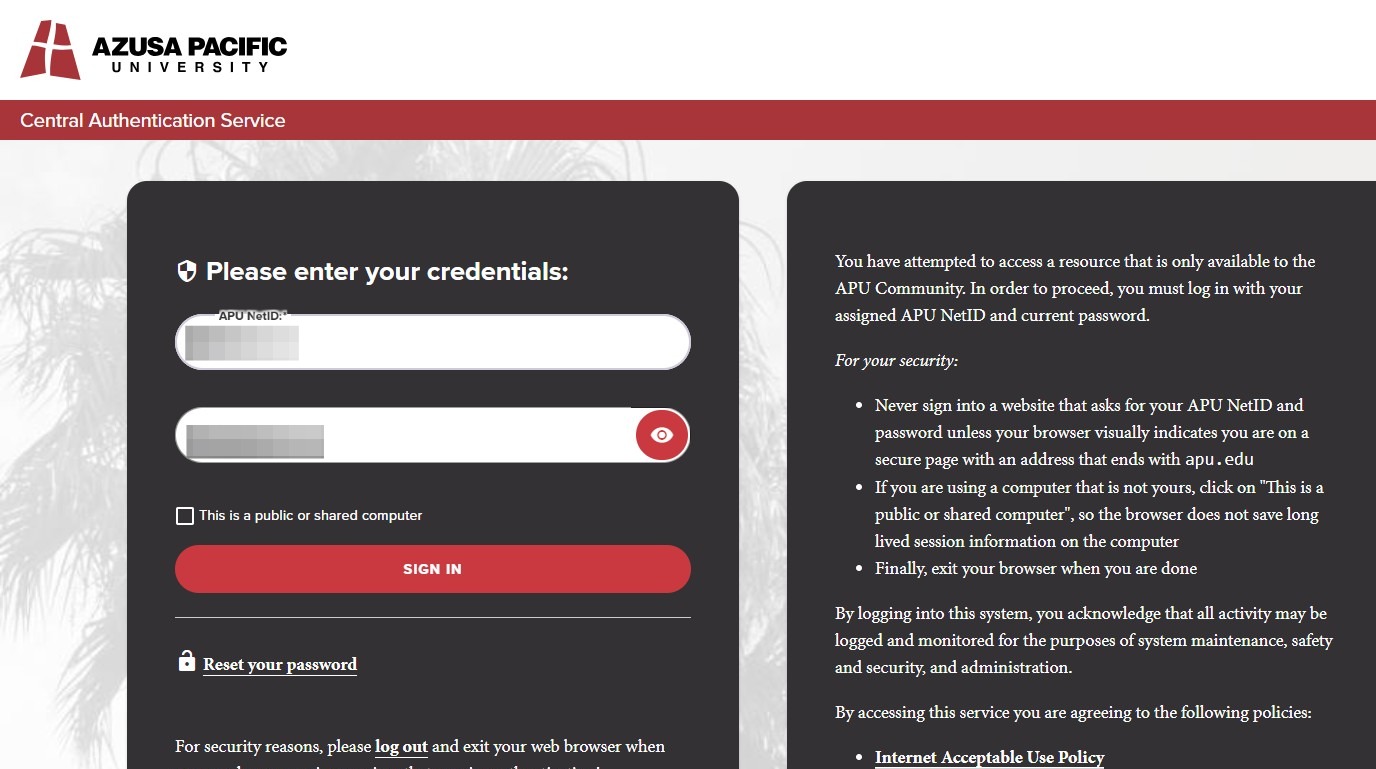
4. Login with your APU credentials. Type in your NetId and password. Navigate to your 2FA authenticator app and type in your temporary 6-digit code.
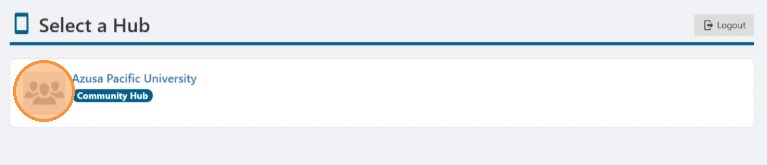
5. Select "Azusa Pacific University" as your Hub.
6. After logging in with your APU credentials, you will be directed to the main landing page of APU Now.


